
CESH 300 Firmware: Reverse Engineering Concepts
Concepts · 3 days · Not assessed

This is the foundation course in the firmware reverse engineering pathway. Students learn what to do once a firmware image has been recovered, how to break it apart, how to recognise what they are looking at, and how to move from a blob of unknown data to a working understanding of the target. The focus is orientation: finding structure, identifying architecture, loading code sensibly, and building enough confidence to decide where deeper analysis should go next.
Students work through the core firmware reverse engineering workflow, including image unpacking, filesystem recovery, architecture identification, bootloader and kernel recognition, string and symbol triage, and first-pass analysis in Ghidra. They learn how to separate useful evidence from noise, spot configuration mistakes, identify exposed services and secrets, and recognise bug classes that are worth escalating into deeper vulnerability discovery or exploit development.
Throughout the course, students use an unpack, identify and reason method: extract what is present, work out what each part is likely to do, and build a defensible model of the target before diving into code. By the end, they can take an unfamiliar firmware image, make sense of its major components, load relevant binaries into analysis tools, and explain where the meaningful security work should continue.
Want to know what to expect in the classroom? Find out more about our training approach and how we turn technical concepts into practical, hands-on skills.
This list shows the various main topics we cover during the course:
A trainee learns how to move from “we have the firmware” to “we understand what is inside it”. That is the essential bridge between hardware extraction and useful security work. It means new entrants can triage images, identify the right binaries, and support analysts without getting lost in unfamiliar formats and tool output.
An experienced engineer gains a structured map of the wider firmware workflow, which is useful when their current experience is strong in one area but patchy elsewhere. For your organisation that means more consistent triage, better handover between hardware and firmware specialists, and fewer targets stalled because the first analysis step was unclear.
This course is for security professionals, reverse engineers and technical trainees who want to understand and analyse recovered firmware. No advanced firmware reversing experience is required, although general security, programming or embedded-systems knowledge will be useful. It provides the foundations needed before progressing into deeper vulnerability discovery and exploit development.
Not sure where you fit? Find out more about our training audience and prerequisites.
You will need a laptop with at least 8GB RAM, preferably 16GB, an up-to-date and stable operating system, and an Ethernet port or reliable Ethernet dongle. Your laptop must be fully under your control so that you can install tools and dependencies and run arbitrary code.
It is useful to have the ability to run virtual machines. Any VMs provided during the course will be suitable for importing into VirtualBox; if you use a different hypervisor, you should be comfortable importing VMs from OVF file formats.
Any firmware images, sample targets and course-specific software required for the practical exercises will be provided. No specialist hardware is required.
We put together a goodie bag which directly relates to the activities in the course. The free goodie bag is yours to keep at the end of the course, just make sure you have enough luggage space to take it home. The exact details of what is in it will vary depending on availability but we always make it a useful and interesting collection. We provide any other tools needed to complete all the tasks set, aside from a laptop.
You don’t need to bring anything extra other than your enthusiasm!
The classroom is well appointed, has good WiFi and hot and cold drinks, it’s spacious, comfortable, has plenty of power sockets, lots of natural light, and is wheelchair friendly. The course is delivered in English and digital versions of slides and handouts will be provided where appropriate.
Lunch and morning and afternoon snacks are provided so please make sure you let us know about any dietary needs at least a week before we get started. With the exception of the social night, all other meals are for you to organise. We suggest getting a hotel that provides breakfast, and there are many good restaurants in Manchester for your evening meals. We will try and facilitate additional social arrangements, but, this is down to the individuals present.
There are a number of good and affordable hotels in the Manchester area. We are based in an area called Media City and we are in the same complex as the northern headquarters of the BBC. This means that there are lots of facilities locally and you could choose to not venture into the city centre.
If you do choose to look further around there are good tram links that can take you into the city as well as to key travel hubs such as Piccadilly, the national railway station, and Manchester International Airport.
Please check the weather before you travel and bring suitable clothes for the season. If in doubt, assume you will need a waterproof coat and an umbrella. The locals will tell you that Manchester is one of the rainiest places in the world, its not actually true but it does drizzle more than you might expect, even in summer.
Learn how to turn an unfamiliar firmware image into something you can investigate with confidence. Over three days, you’ll unpack images, identify architectures and filesystems, triage their contents and begin analysing relevant code, building a clear picture of where deeper security work should go next.
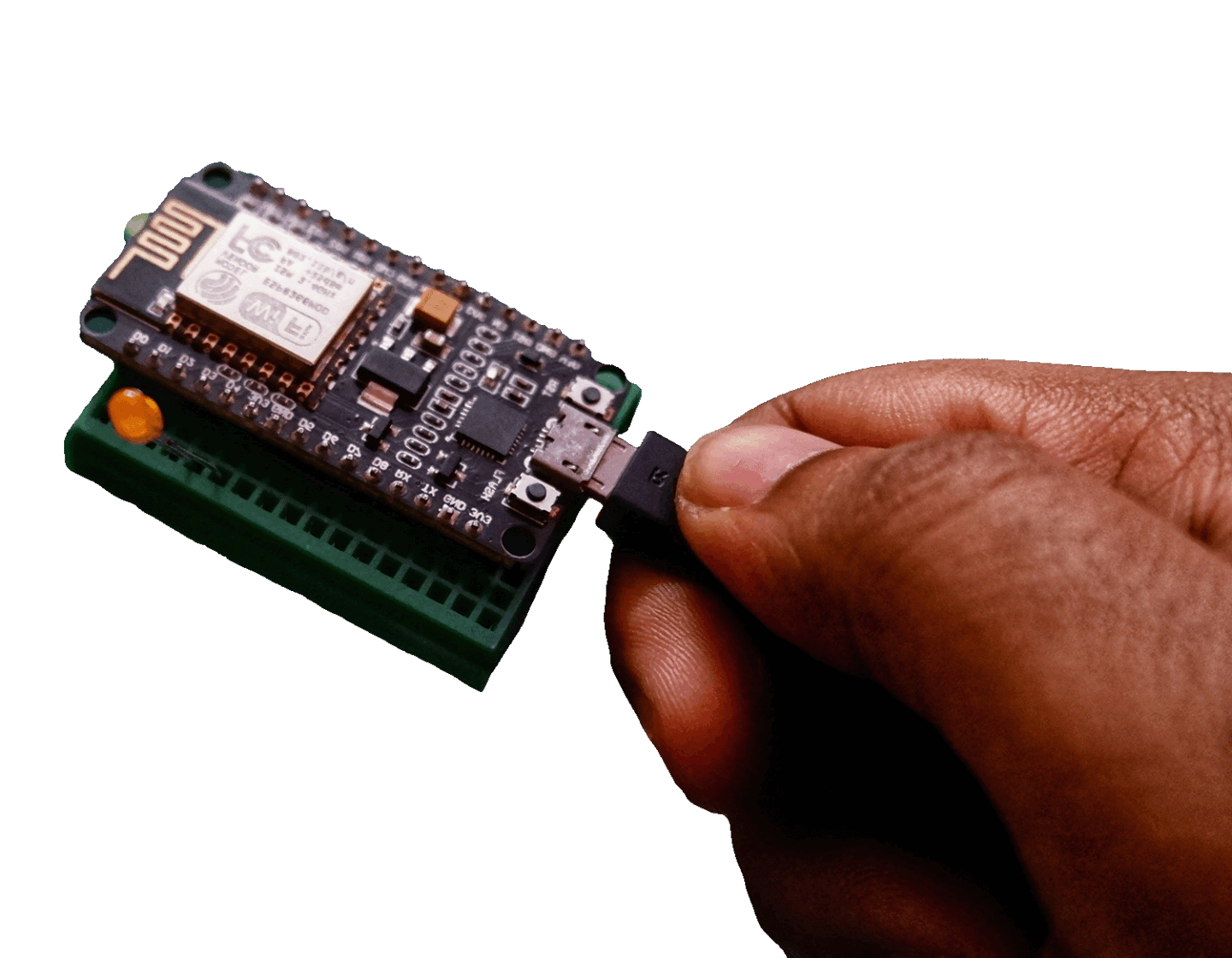
Build a contained embedded C2 implant and explore tasking, telemetry, reliability, persistence and defensive detection.
Build a practical firmware analysis workflow using industry-standard tools for extraction, inspection and reverse engineering.

Bespoke cyber security training tailored to your team, device stack, technical goals, or individual learning needs.